HeroLister Blog

Best eBay Image Sizes for Higher Sales 2026 Guide

Best eBay Image Sizes for Higher Sales (2026 Guide)

Best eBay Image Sizes for Higher Sales (2026 Guide)

High-quality images are one of the most important factors in creating successful eBay listings. Buyers can’t physically inspect your products, so your photos need to build trust, answer questions and encourage purchases.

In this guide, we’ll explain the best image sizes for eBay, common mistakes to avoid and how better images can help increase sales.

What Image Size Does eBay Recommend?

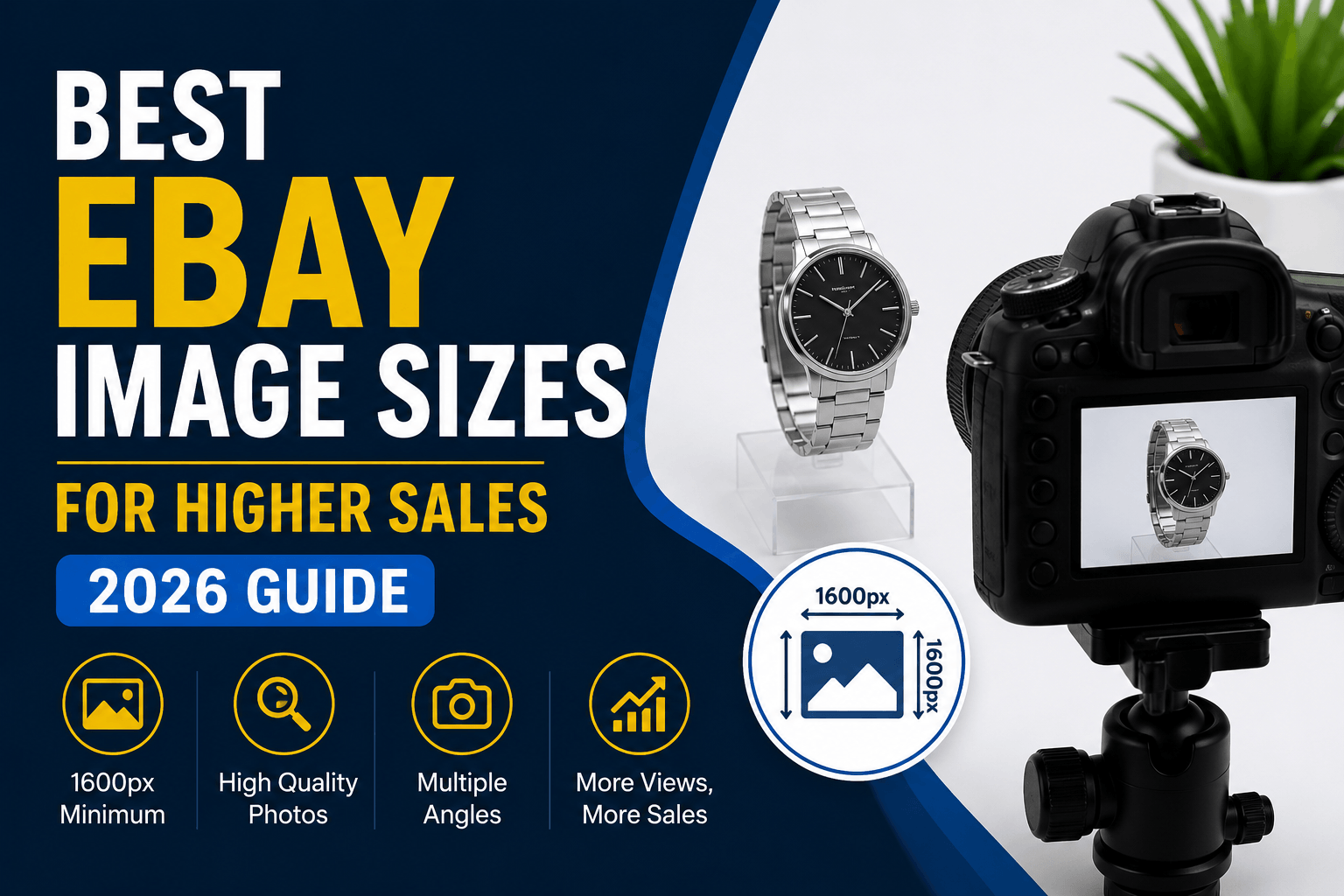
eBay recommends images that are at least 1600 pixels on the longest side.

For best results:

  • Minimum size: 1600 x 1600 pixels
  • Ideal size: 2000 x 2000 pixels or larger
  • Format: JPG or PNG
  • Background: Clean white or neutral background
  • File size: Under 12MB

Larger images allow buyers to zoom in and inspect products more closely, which can increase confidence and reduce returns.

Why Image Quality Matters

High-quality photos can improve:

  • Click-through rates
  • Buyer confidence
  • Conversion rates
  • Search visibility
  • Overall sales performance

Many sellers spend time optimising titles and pricing while overlooking the importance of product photography.

Best Practices for eBay Listing Images

Use Multiple Images

eBay allows multiple images per listing.

Include:

  • Front view
  • Rear view
  • Side angles
  • Close-up details
  • Packaging (if relevant)
  • Any defects or wear

Use Consistent Lighting

Natural light or soft studio lighting generally produces the best results.

Avoid:

  • Dark photos
  • Harsh shadows
  • Overexposed images

Keep Backgrounds Clean

A simple white background often performs best.

Clean backgrounds help buyers focus on the product and create a more professional appearance.

Show Scale

Where appropriate, include an image that helps buyers understand the size of the item.

This can reduce confusion and improve conversion rates.

Common Image Mistakes

Avoid:

  • Blurry photos
  • Screenshots
  • Low-resolution images
  • Watermarks
  • Excessive text overlays
  • Cluttered backgrounds

These issues can make listings look less trustworthy and may reduce sales.

How Better Images Work With Professional eBay Templates

Images are only one part of a successful listing.

Professional eBay templates help organise:

  • Product images
  • Item descriptions
  • Specifications
  • Branding
  • Cross-selling opportunities

When combined with strong product photography, a professional listing template can create a better buying experience and improve trust with potential customers.

Final Thoughts

Using high-quality images is one of the simplest ways to improve your eBay listings.

Aim for at least 1600 x 1600 pixels, use multiple photos and present your products clearly and professionally.

If you’re looking to create professional, mobile-friendly eBay listings, HeroLister makes it easy to build attractive templates without coding experience.
🧱 BLOG POST: Free eBay Listing Templates That Actually Convert (2025 Guide)

Free eBay Listing Templates That Actually Convert (2025 Guide)

Looking for free eBay listing templates that make your products stand out and sell faster?
HeroLister helps sellers design professional, mobile-ready listings in minutes — no coding, no design skills, just fast, effective templates that get results.

Free eBay listing templates by HeroLister banner

Why eBay Listing Templates Matter

Your product deserves to look professional. A clean, consistent design not only improves trust with buyers but also increases your chances of conversion.
With the right eBay template, you can:

  • Present your listings with consistent branding.

  • Ensure every design looks perfect on mobile devices.

  • Save time creating new listings with reusable layouts.

  • Avoid eBay’s “active content” policy issues.

That’s exactly what HeroLister was built for — to help sellers create polished, modern listings that sell.

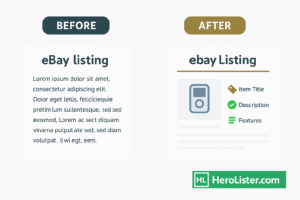
before and after using free eBay listing template

Free eBay Listing Templates You Can Use Today

Whether you sell collectibles, electronics, or fashion items, HeroLister offers a variety of free eBay listing templates designed to meet your needs.

💻 Simple Product Template

Perfect for quick uploads with bold titles and high-resolution images.

📸 Gallery Showcase Template

Ideal for sellers who rely on strong visuals — includes responsive image sections.

🛍 Detailed Description Template

Gives space for extended copy, specifications, and store branding.

Each template is mobile-optimised, HTML-clean, and eBay-compliant — ready to paste directly into your eBay listing.

➡️ Browse Free Templates →

Three eBay template styles displayed on laptop screens – simple, gallery, and detailed layouts

How to Use HeroLister to Build Your Template

Creating your first listing template is quick:

  1. Sign up for your free trial on HeroLister.

  2. Select a free eBay template that fits your store.

  3. Customise the colours, fonts, and layout in just a few clicks.

  4. Export & upload your design straight to your eBay account.

It’s the easiest way to keep your brand consistent while saving time on every new product.

Pro Tips for Better eBay Listings

Even with great templates, a few tweaks can make your listings shine:

  • Use strong titles (brand + model + keyword).

  • Add lifestyle images instead of plain product shots.

  • Keep your description concise and scannable.

  • Preview your listing on mobile before publishing.

  • Stay compliant with eBay’s 2025 HTML and policy standards.

Small improvements often lead to measurable increases in clicks and sales.

Final Takeaway

Free eBay listing templates are a simple way to stand out in a crowded marketplace.
With HeroLister, you get professional-grade designs that are fast, mobile-friendly, and proven to convert.

👉 Start Your Free Trial today and see how effortless your eBay listings can be.

About HeroLister

HeroLister helps eBay sellers design and publish listings that look professional and perform better — all without touching code.
Explore more eBay seller resources for tips, design ideas, and optimisation advice.

🏁 Final Thoughts on eBay Listing Templates

eBay listing templates are more than just design — they’re your digital storefront. A professional layout builds trust, makes your listings easier to read, and helps buyers make quick decisions.

With HeroLister, sellers can create clean, mobile-ready eBay templates in minutes, all without coding. Choose a layout that matches your brand, upload your product photos, and watch your listings stand out from the competition.

👉 Start your free trial today at HeroLister.com and transform your eBay listings in just a few clicks.